#motiongraphics #aftereffectstutorial #motiondesign
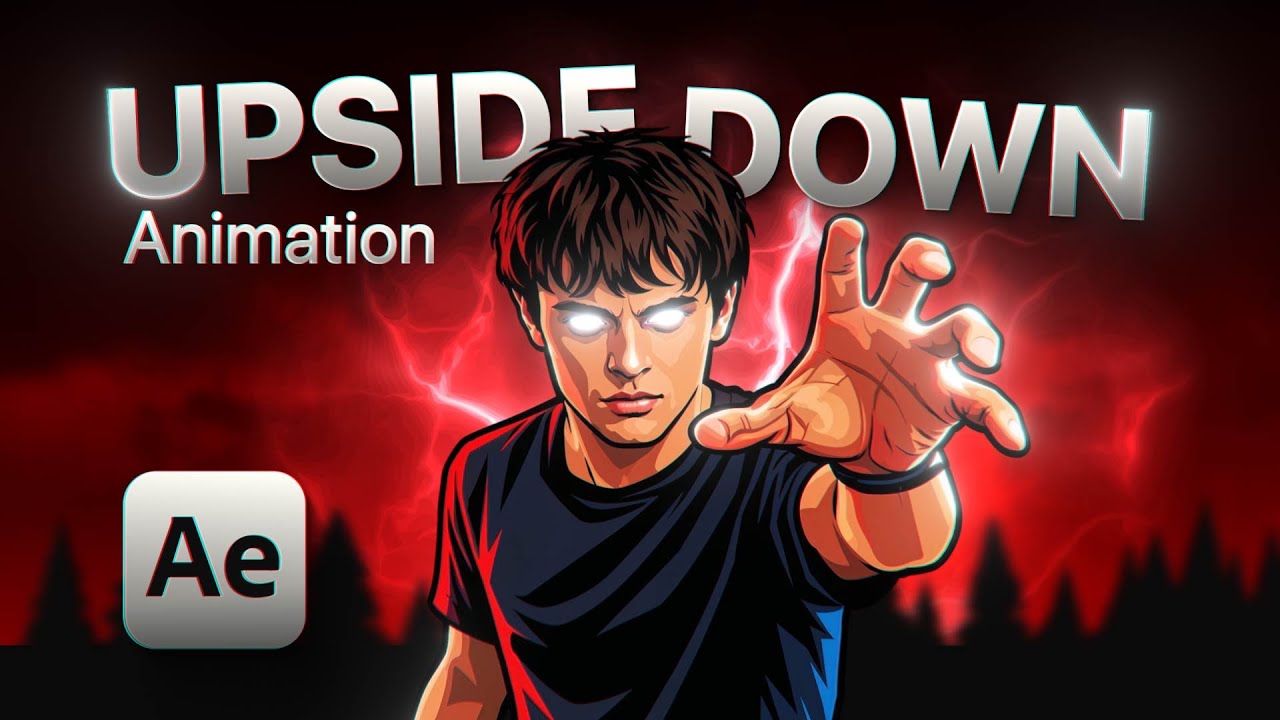
Want to learn how to master After Effects from scratch and become a motion graphics designer? In this After Effects tutorial, you’ll learn some of the essential techniques and skills to start a career in motion graphics, even if you’re a beginner.
In this tutorial, we cover professional motion graphics techniques in After Effects, including camera transitions, parallax effects, 3D scene compositing, alpha matte techniques, particles, advanced masking, and fluid animation workflows used by real motion graphics designers. These techniques will help you create dynamic, cinematic, and professional-looking animations.
This video is perfect for anyone who wants to learn motion graphics, understand After Effects for beginners, and improve their motion design skills. You’ll learn how to work with cameras, layers, masks, particles, and 3D space to create engaging motion graphics projects from start to finish.
By the end of this tutorial, you’ll have a professional-quality animation, fully finished and ready to share on social media, use in your portfolio, or show to potential clients. This makes it the ideal starting point if you want to become a motion graphics designer and create real, shareable works.
If you’re looking for comprehensive motion graphics tutorials and a clear guide to quickly learning After Effects, this channel will show you the essential foundations you need to thrive in the motion graphics industry.
👉Project available on my Patreon page ► https://www.patreon.com/posts/upside-down-148344009?utm_medium=clipboard_copy&utm_source=copyLink&utm_campaign=postshare_creator&utm_content=join_link
❤️For all of you who want to join this small Patreon community that is slowly growing, I’m sharing the link here ► https://www.patreon.com/c/VaneMotion
💻🔥Documentary Style Editing Course ► https://vanemotion.gumroad.com/l/eomtxw?layout=profile
🔥Free Script Order – Created by @zavatmotion ► https://www.patreon.com/posts/free-order-130995401?utm_medium=clipboard_copy&utm_source=copyLink&utm_campaign=postshare_creator&utm_content=join_link
🤔Want to learn After Effects from scratch? In this course taught by C.M. de la Vega, expert motion designer, you’ll learn everything from the basics to more advanced techniques without feeling overwhelmed ► https://www.cmdelavega.com/?sa=sa0228851902f8eadac2ddd4849de68b29397fccea
❤️Each of my tutorials is made with a lot of effort and love. If you liked it, give it a “like” or subscribe so you don’t miss anything I have prepared.
🟠Follow me in Instagram ► https://www.instagram.com/vanemotion_channel/
Skip to the part of the video you want:
00:00 Intro motion graphics
00:49 After Effects Tutorial ► Import files
01:12 💻🔥Documentary Style Editing Course
01:40 Create composition
01:50 Compose 3D scene
01:56 Convert layer to 3D
03:24 Create 3D Camera
06:54 Replace layers
09:03 Animate camera ► Camera Transition
30:00 Wiggle loop expression
31:32 Add floating particles to the scene
34:12 Activate motion blur
34:38 Highlight lights and shine
37:04 Create depth of field in the 3D scene
38:43 ❤️Thanks for watching the tutorial!