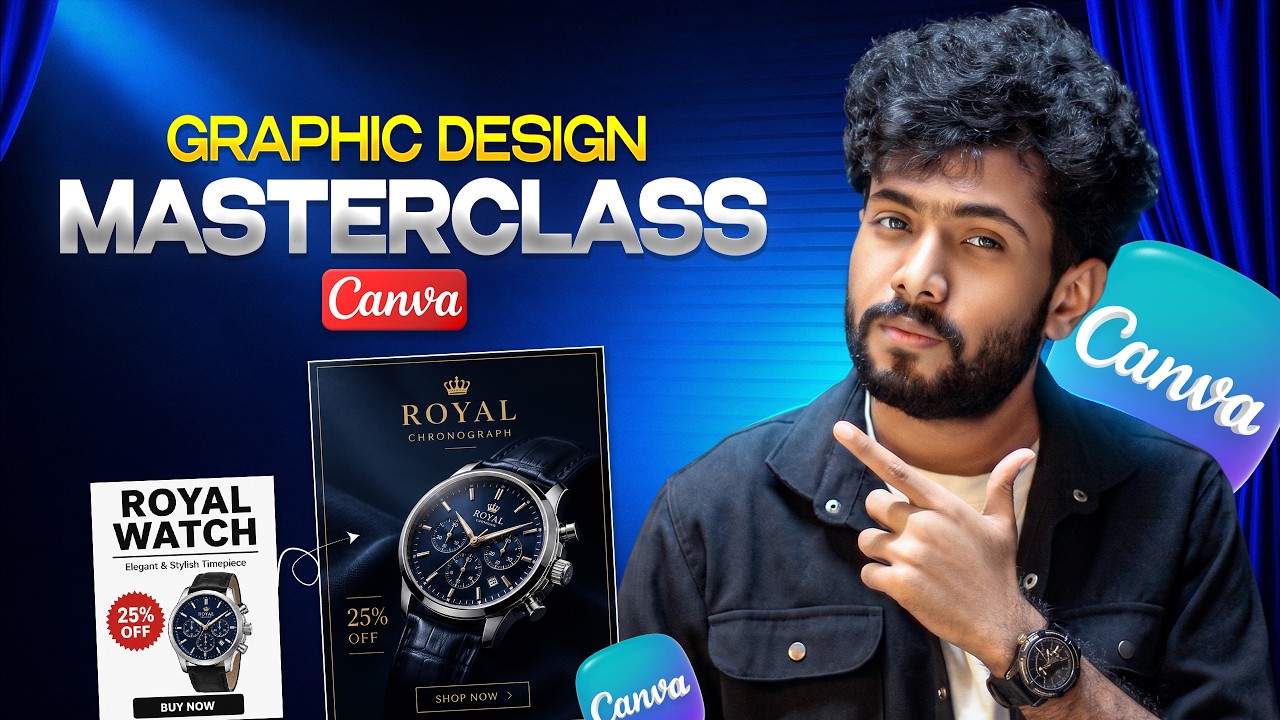
Learn graphic design from scratch with Canva by creating professional, real-world brand assets instead of simply copying templates.
✅ *Start Designing with Canva:*
https://jimfahaddigital.com/canva
✅ *FREELANCING MASTERY is now LIVE!*
🔥 https://jimfahaddigital.com/freelancing21 🔥
(The wait is over — enroll in the full course now.)
✅ *Get Free Domain & Web Hosting* (up to 78% OFF 💸)
🔥 https://jimfahaddigital.com/besthost 🔥
(Use coupon *JFD10* for an exclusive discount)
This Canva masterclass goes beyond learning where the buttons and tools are. You’ll learn how to think like a designer—understand the goal, control visual hierarchy, make better typography and spacing decisions, and create designs that actually communicate for a real brand.
*In this tutorial, you’ll learn how to:*
✔️ Understand the essential Canva workspace and design tools
✔️ Turn a beginner-looking design into a professional design
✔️ Use hierarchy, typography, contrast, alignment and spacing properly
✔️ Design an educational 8-slide carousel
✔️ Create a simple but effective engagement post
✔️ Design a professional YouTube thumbnail with clarity and clickability in mind
✔️ Build a multi-page lead magnet PDF system
✔️ Keep posters, carousels, thumbnails and PDFs visually consistent
✔️ Think about the client brief, audience, message and business goal before designing
⏱️ *Canva Tutorial Chapters:*
0:00 Overview
4:13 Basic Canva Design
14:30 Canva Makeover
54:28 Carousel Design
1:22:33 Engagement Post Design
1:43:27 YouTube Thumbnail Design
2:14:51 PDF Design
Thanks for watching!
—
*About Jim Fahad Digital:*
Jim Fahad Digital creates practical step-by-step tutorials on *WordPress, Elementor, WooCommerce, web design, AI tools and freelancing skills* — especially for beginners who want real results.
—