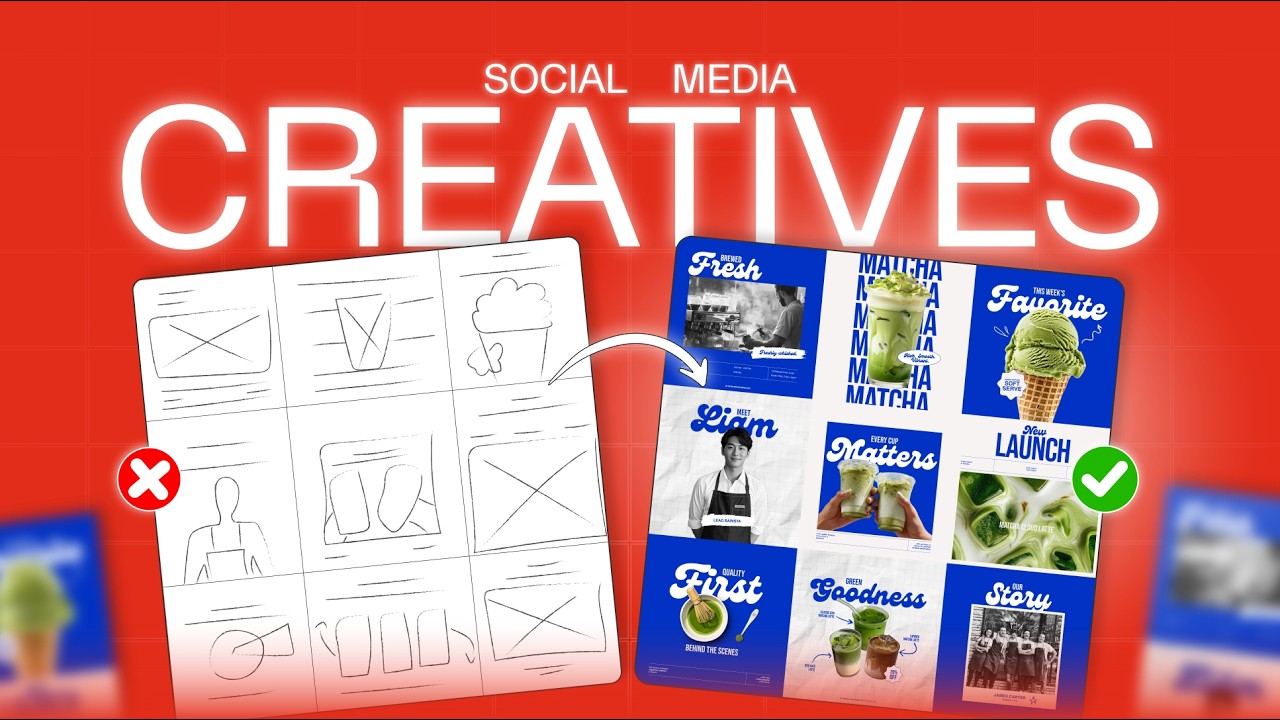
Want to learn how to design professional social media grid posts from scratch? In this video, I’ll show you my complete 5-step workflow that I use to create clean, modern, and client-ready Instagram grid designs.
Whether you’re a beginner or a freelance graphic designer, this process will help you design faster and more confidently.
📌 In this video, you’ll learn:
00:00 Introduction
00:33 Understanding the Design Brief
01:17 Gathering Brand Assets & Design Elements
02:33 Planning the Layout & Sketching Ideas
06:12 Designing the Grid in Adobe Illustrator & Photoshop
12:01 Delivering Editable Files to the Client
The biggest mistake most beginners make is jumping straight into designing. Instead, I’ll show you how spending time on planning and sketching helps you complete nearly 80% of the work before even opening Illustrator.
By the end of this tutorial, you’ll have a complete workflow that you can use for any client project or personal brand.
🎁 Free Practice Template Included!
https://drive.google.com/file/d/1AfV1jLCJF1fSuSBf-1VbWWxdZx8nDHmU/view?usp=sharing
If you enjoyed this video, don’t forget to Like, Comment, and Subscribe for more graphic design, branding, and freelancing tutorials.
#graphicdesign #socialmediadesign #instagramgrid #adobeillustrator #brandingdesign #graphicdesigner #socialmediapost #DesignTutorial #freelancedesigner #photoshop