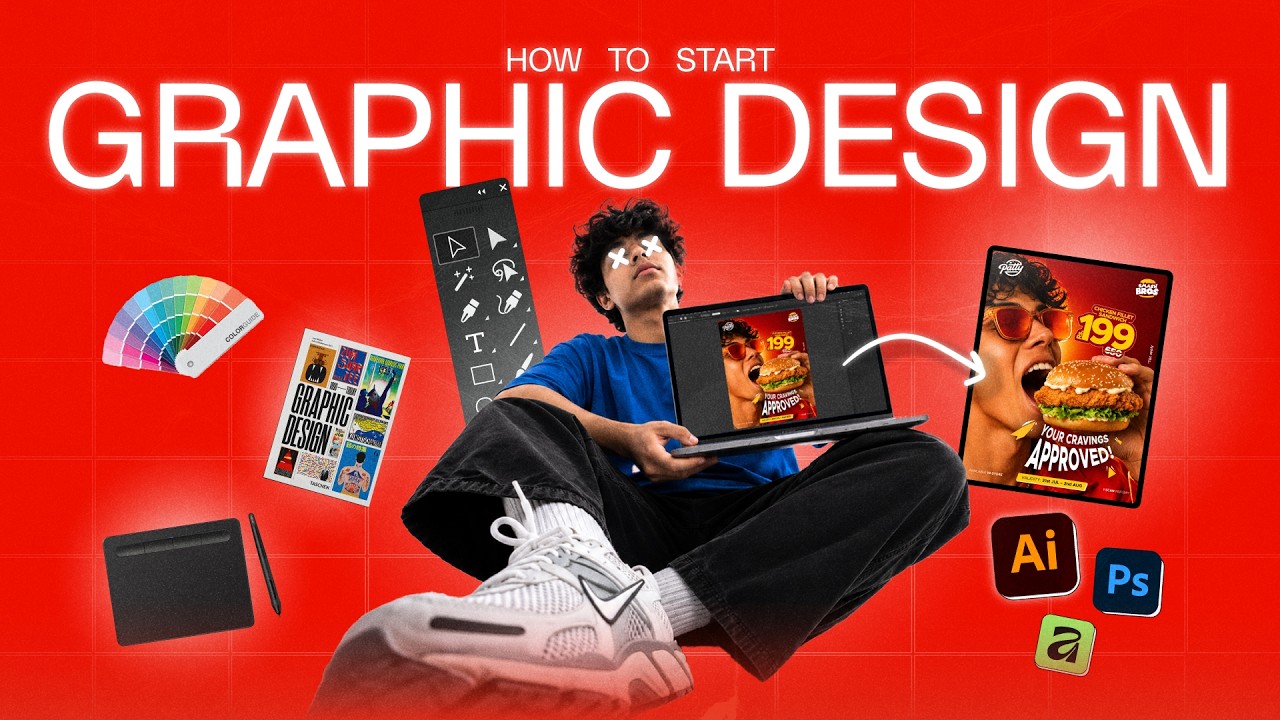
Want to become a graphic designer but don’t know where to start? 🎨
In this video, I’ll show you how to start your graphic design journey from scratch! Whether you’re a complete beginner or someone looking to improve your design skills, this video will help you understand the steps you need to take.
We’ll talk about the laptop or PC you need, the best paid and free graphic design software, essential design fundamentals, AI tools, portfolio creation, and how to start applying for graphic design jobs.
I’ll also explain design concepts using real design examples to make everything easy to understand.
📥 DOWNLOAD FREE RESOURCES
🎨 Portfolio Template: https://graphique08.gumroad.com/l/bzlvpt
📂 Tutorial / Practice Files: https://drive.google.com/file/d/1f_zp4cqOPUZuYeHAsFqO5xINSVM24fp6/view?usp=sharing
🖥️ Monitor I’m Using: https://amzn.in/d/01acWYGT
⏱️ TIMESTAMPS
00:00 Introduction
00:26 PC or Laptop
01:43 Design Software
03:01 Design Fundamentals
04:44 Learn Ai Tool
05:23 Build Portfolio
06:26 Outrow
If you’re serious about learning graphic design, start with the basics, keep practising, and build your skills one step at a time!
👍 Like this video if it helped you.
💬 Comment below if you have any questions about starting graphic design.
🔔 Subscribe for more easy-to-follow graphic design tutorials, tips, and creative projects.
#GraphicDesign #GraphicDesignForBeginners #LearnGraphicDesign #GraphicDesignTutorial #DesignTips