
Try Higgsfield – https://higgsfield.ai/create/video
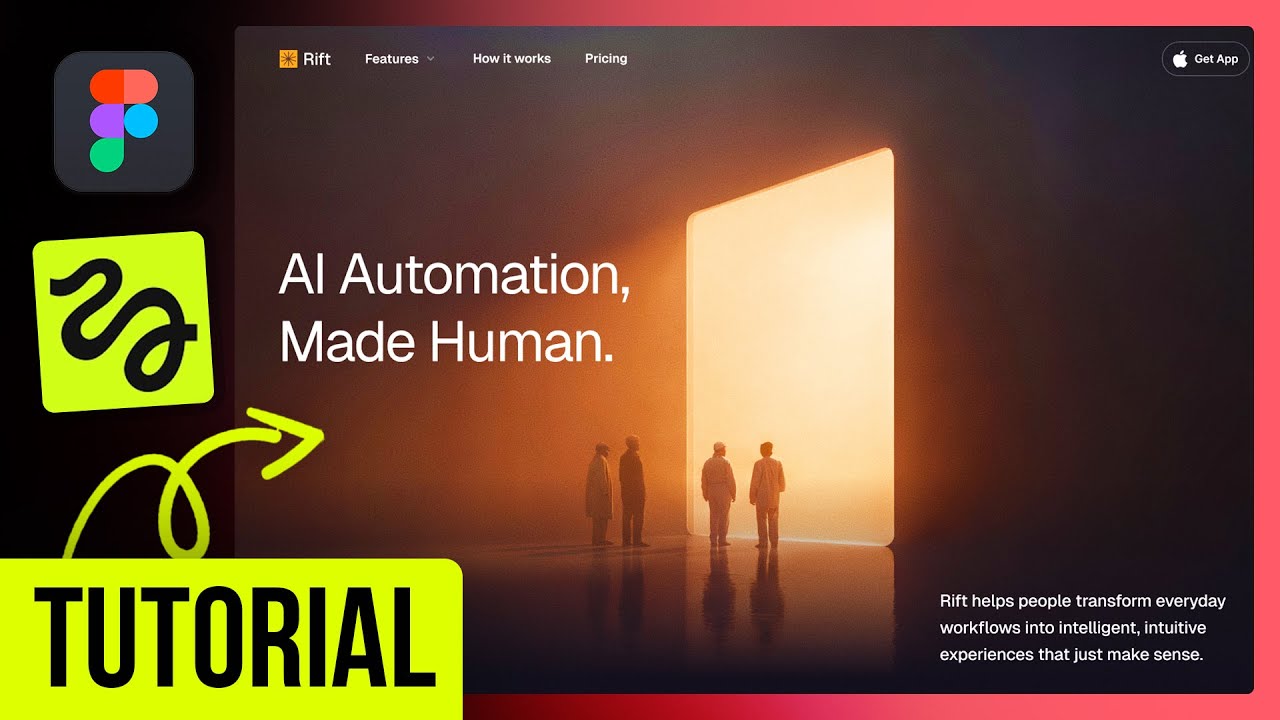
In this video we design a website for a cinematic landing AI brand. We use Figma and Higgsfield AI to bring it together.
Try ShowOff: https://www.showoff.video/
Try Framer: https://framer.link/kyle-skelly
Follow me on: https://x.com/KyleSkelly
Work with me: https://www.kyleskelly.com
Purchase my vector pack! : https://kyleskelly.gumroad.com/l/rough-edge-pack
Higgsfield is a great AI video maker. Try out their free AI video generator.
https://higgsfield.ai/cinema-studio
https://higgsfield.ai/blog/AI-Video-Generator-How-to-Create-on-Higgsfield
In this full walkthrough, I’ll show you how I designed a cinematic hero section — from logo to layout — using modern AI workflows and clean design practices.
Whether you’re a designer, developer, or indie creator, this tutorial will help you create visually impressive sites faster than ever before — with no code required.
What you’ll learn:
– How to structure a modern website in Figma
– Using AI (Higgsfield AI) for image and video
– Animating it in Jitter
#FigmaTutorial #WebDesign #FigmaWebsite #AIDesignWorkflow #LandingPageDesign #UIDesign #NoCodeDesign #ModernWebDesign #FigmaForBeginners #DesignWithAI #framer #framerexpert #HiggsfieldAI #AIVideo #FreeAIVideoGenerator