
🌍 COMMUNITY
https://www.skool.com/automatable/about
📝 FREE BLUEPRINT
https://www.skool.com/automatable-free/classroom/6ca29126?md=64c70919c7fe4e38a209e1feab09b6d3
Find every single one of my free YouTube blueprints here: https://www.skool.com/automatable-free/about
📚 SUMMARY
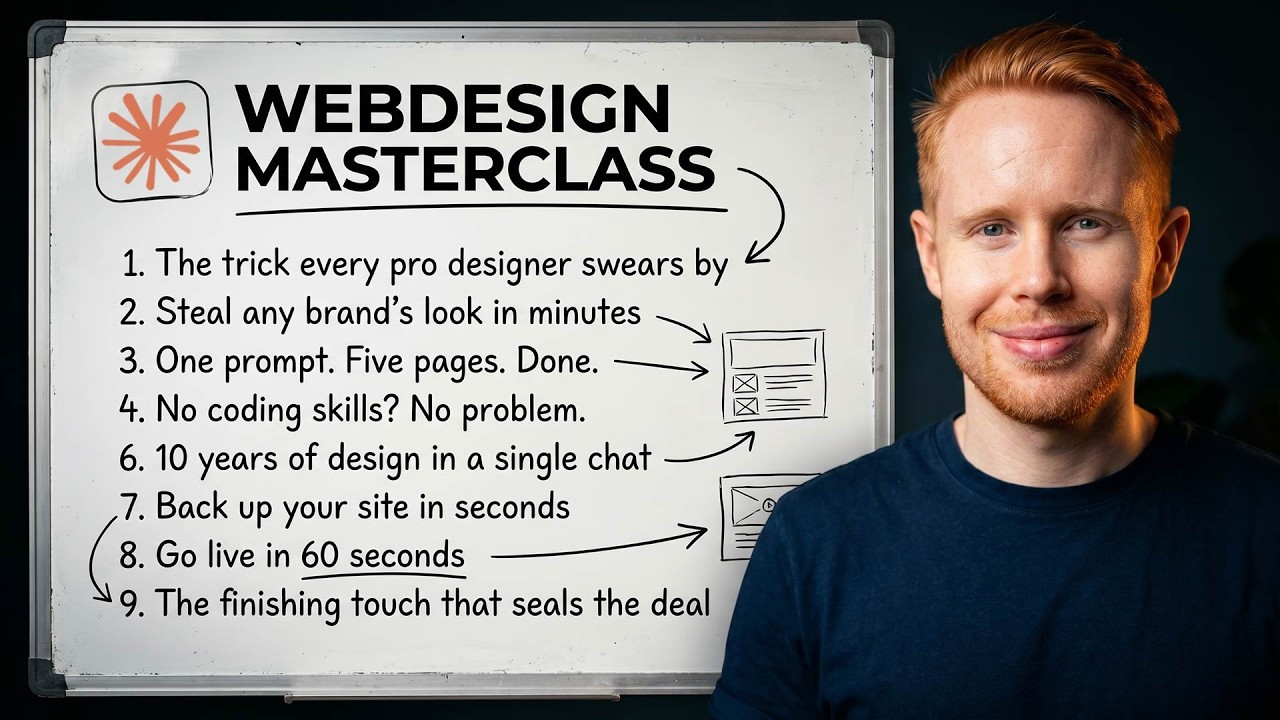
I just condensed 10 years of web design experience across 50+ websites into one video — so you can build beautiful, production-ready websites using Claude Code without a single line of code knowledge.
In this masterclass, I walk through my exact pipeline: extracting a design system from any site (like Stripe) using Claude Design, generating a 5-page website prototype, handing it off to Claude Code, fine-tuning layouts, typography, hover states, dark mode, 3D graphics with Spline, AI video with Higgsfield, mobile optimization, and deploying live with GitHub + Vercel. Everything you need to ship a real site is here.
⌛ TIMESTAMPS
0:00 – Why most AI websites look like slop
0:30 – Step 1: Pick a style (and steal from Stripe)
0:59 – Extracting a design system with Claude Design
1:59 – Free inspiration sources (Dribbble + Get Design)
3:04 – Reviewing the extracted brand kit
4:21 – Creating a high-fidelity prototype
5:37 – The exact prompt to generate a 5-page website
7:00 – Using a Dribbble screenshot for page structure
8:02 – First look at the generated design
9:22 – Handing off from Claude Design to Claude Code
10:21 – Antigravity + Claude Code crash course
11:52 – The CLAUDE.md file (your senior designer instructions)
13:09 – Installing the front-end design plugin
13:41 – Building the live site with Next.js + Tailwind
15:15 – 60-second web design crash course (HTML, CSS, JS, ShadCN)
17:01 – Layout fundamentals: direction, columns, width, rhythm, padding, alignment
20:49 – Editing the layout (asymmetrical splits + breathing room)
23:00 – Typography (heading, body, caption, fonts, decoration)
26:27 – Visuals: icons, illustrations, royalty-free photos (Pixabay)
30:00 – The expensive-feeling layer: backgrounds (gradients, noise, blobs, glass)
33:27 – Borders, shadows, and border radius
36:00 – Color palettes (and how to build cohesive ones)
37:31 – Hover and focus states (the hidden polish layer)
41:18 – Navbars: sticky, frosted, dropdowns, mobile hamburger
44:58 – Light/dark mode toggle (the underrated banger)
46:57 – Motion graphics (scroll-in, auto-loops, counting numbers)
49:51 – 3D graphics with Three.js and Spline
55:19 – Adding AI video with Higgsfield + MCP
59:32 – Optimizing for desktop, tablet, and mobile
1:01:47 – Deploying live with GitHub + Vercel
1:05:24 – Free resources + how I can help you build this
📣 SOCIAL MEDIA
• Instagram → https://instagram.com/jono_catliff
• TikTok → https://www.tiktok.com/@jonocatliff
• LinkedIn → https://www.linkedin.com/in/jonocatliff/
• X → https://twitter.com/@jonocatliff
📺 RELATED VIDEOS
• Full crash course on Claude Code → https://youtu.be/Q_OJ26E5_74
• Full crash course on Claude CoWork →https://youtu.be/DHGFV6BqF-A
• Full crash course on Claude Code SEO → https://youtu.be/4IyJm1i__ag
🎯 1:1 CONSULTING
Book a time → https://jonocatliff.com/consultation
🚀 AUTOMATION AGENCY
Get help with your business → https://www.automatable.co
🔗 LINKS (some of these make me money – thanks in advance!)
• n8n → https://jonocatliff.com/n8n
• Make.com → https://jonocatliff.com/make
• Go High Level → https://jonocatliff.com/gohighlevel
• Apify → https://jonocatliff.com/apify
• Skool → https://jonocatliff.com/skool
• Zapier → https://jonocatliff.com/zapier
• PandaDoc → https://jonocatliff.com/pandadoc
• Apollo → https://jonocatliff.com/apollo
• ManyChat → https://jonocatliff.com/manychat
• Vapi → https://jonocatliff.com/vapi
• PhantomBuster → https://jonocatliff.com/phantombuster
• ClickUp → https://jonocatliff.com/clickup
• ElevenLabs → https://jonocatliff.com/elevenlabs
• Upwork → https://jonocatliff.com/upwork
• Instantly.ai → https://jonocatliff.com/instantly
• Airtable → https://jonocatliff.com/airtable
👋 ABOUT ME
Hey everyone, my name is Jono. I run a 7-figure service business that offers DJ, photo, video services (#1 largest in Canada), and spent years figuring out how to automate every part of it (and hired the roles that I couldn’t). Conservatively, I used to work 80+ hours per week, before sunrise till long after sunset; missing gatherings, family events and everything in between. Through automation though, I was able to replace my job. My goal is to help share what worked for me, in a dream of helping others find true success with their passion.
Please subscribe, like and comment below if you have any questions! Thank you 😊
#claudecode #webdesign #aiwebdesign #aiautomation #buildwithai