Comment “designer” to get this tool.
You want a professional looking website but Claude Code keeps giving you generic, flat layouts with no personality.
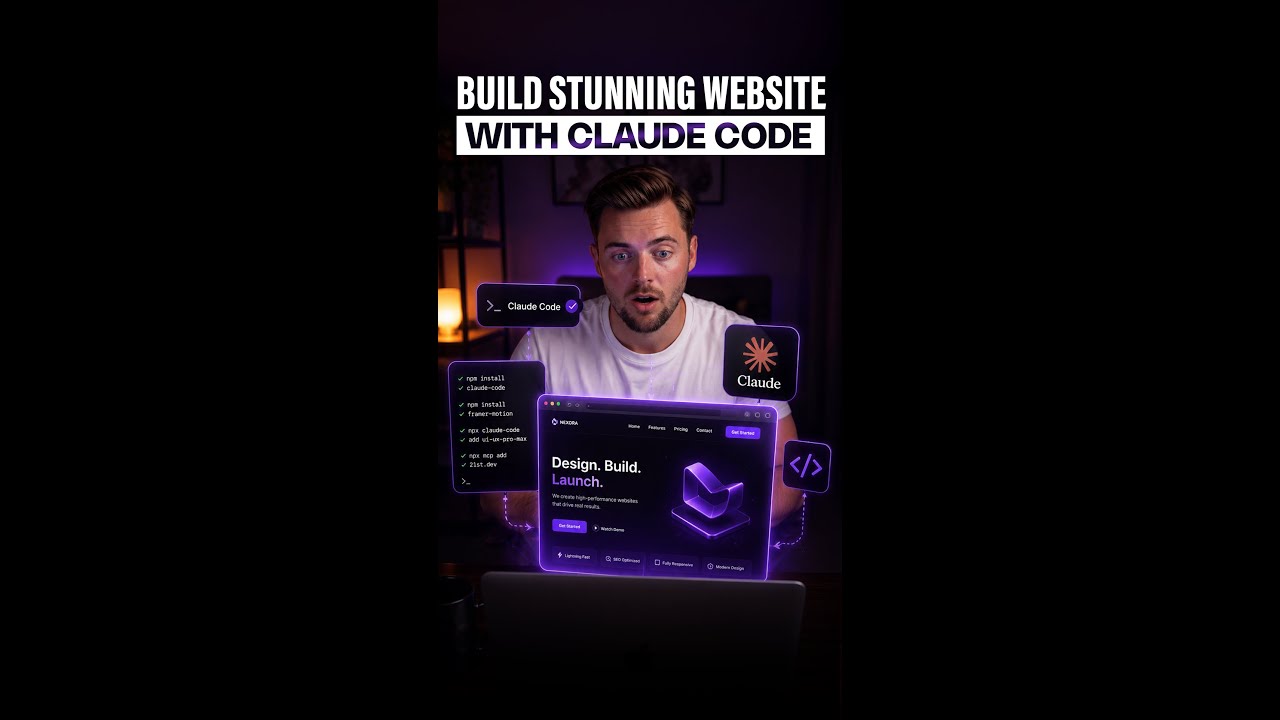
There are two free installs that turn Claude Code into a proper web designer with over 50 UI styles, 97 color palettes, and 57 font pairings built in.
Think of it like this: instead of getting a basic template every time, Claude now has a full design library to pull from so every site it builds actually looks polished.
Here’s how to set it up:
1. Search for UI UX Pro Max skill on GitHub and copy the URL.
2. Paste it into Claude Code and say “install this skill.”
3. Go to 21st.dev and grab their Magic MCP server command.
4. Paste that into Claude Code and say “install this MCP server.”
5. Ask Claude to build a website and watch the difference in output quality.
What makes it different? You’re giving Claude access to a real design system so the output includes proper animations, glassmorphism, gradients, and layouts that look professional.
– Over 50 UI styles and 97 color palettes built in
– Adds glassmorphism, gradients, and smooth animations
– Two free installs that take under five minutes
– Works with any website project in Claude Code
– No design skills needed