
Get the SOURCE FILES for this project ($14.99): https://payhip.com/b/uyMWL
Need personalized help? Book a 1:1 LIVE SESSION with me: https://bit.ly/mavi-private-lessons
Visit my STORE: https://bit.ly/mavi-design-store
Explore Mavi Design COURSES : https://bit.ly/mavi-design-courses
Explore Mavi Design WALLPAPERS: https://bit.ly/mavi-design-wallpapers
Playlist: FREE Figma Web Design Course : https://youtube.com/playlist?list=PLCUPtxXqnWn0AMIjZmNdkrzWVjLHOW2NT
Mobile App UI Design Playlist: https://www.youtube.com/playlist?list=PLCUPtxXqnWn3l_dNI8TekvFIYpoo_IO6h
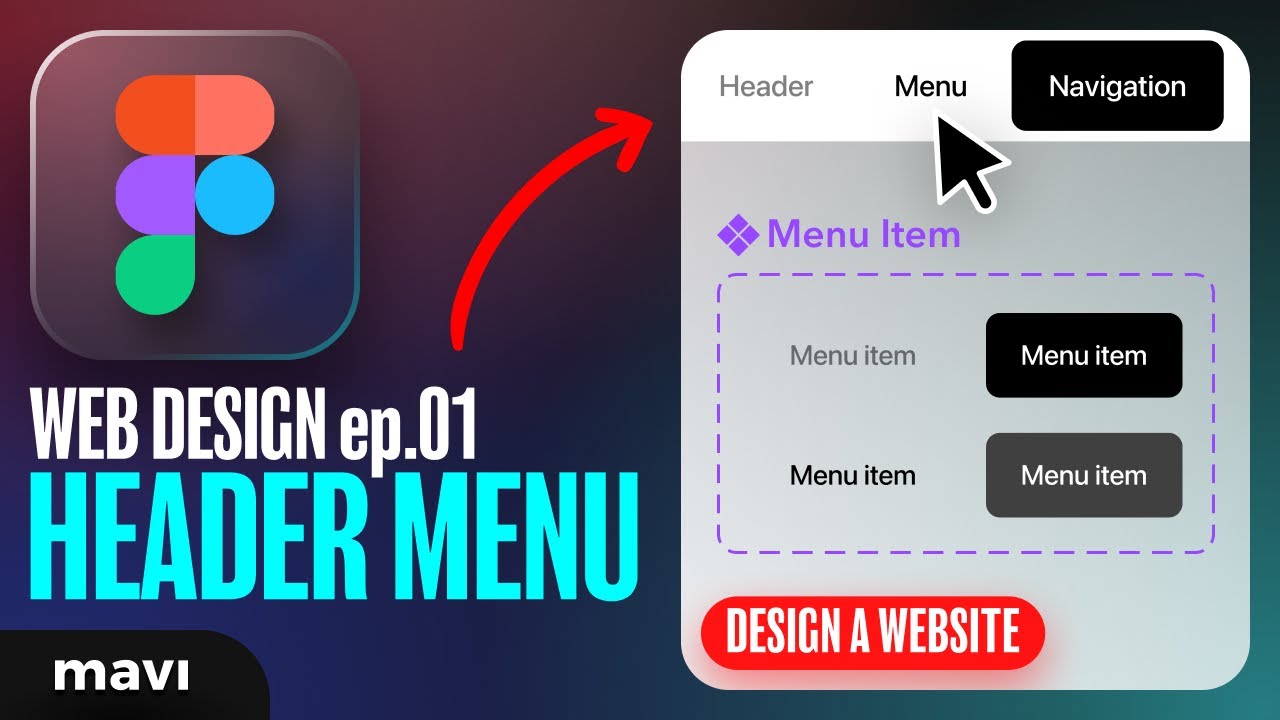
In this video we’re going to start a website design project in Figma. We will be creating a fixed website navigation bar with menu items / buttons that also have hover states. This will serve as a basis for future videos where we’ll expand on our design and turn this into a final, polished website design. Stay tuned for future videos as this is quite a big project to cover in just one single video – I think you’ll be able to learn more through a series. Let’s get into it!!!
How to design a website in figma – how to design a header menu navigation with hover states in figma (step-by-step tutorial with examples)
————————
© 2023 Mavi Design