
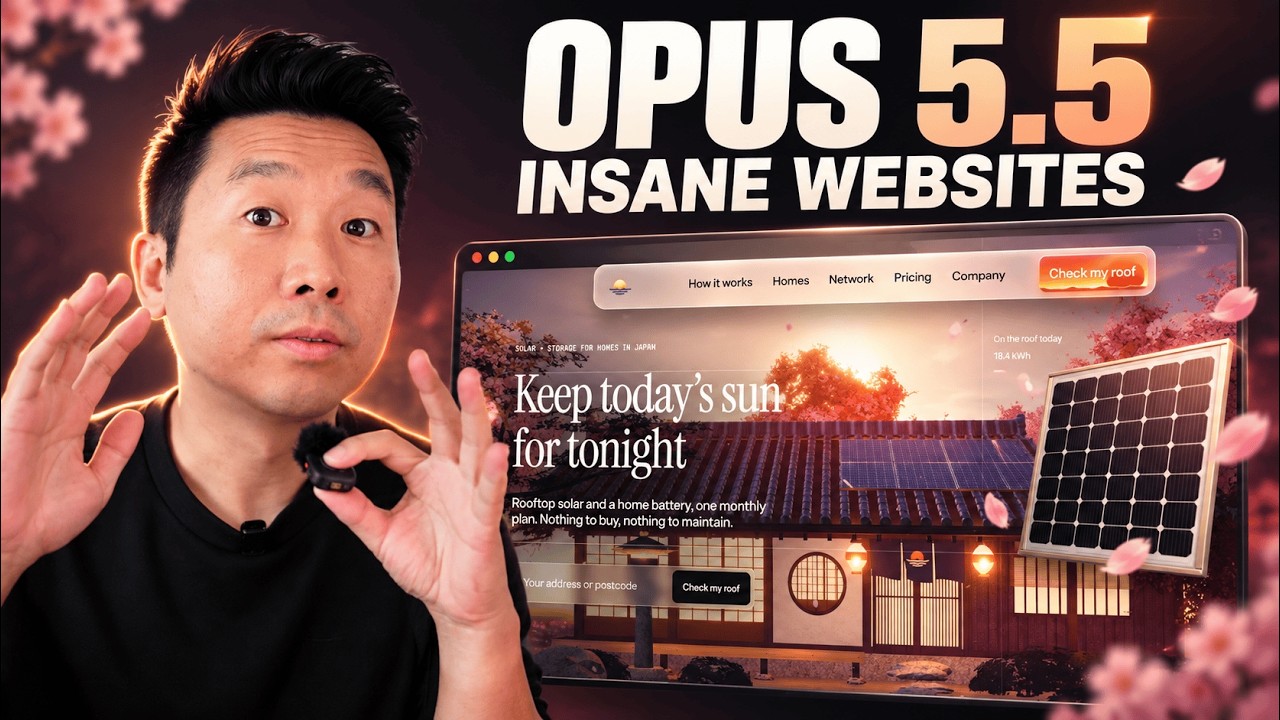
Opus 5.5 is insane for web design. In this complete walkthrough, I show how I build a Japanese-inspired 3D website in Claude Code.
Sponsored by Mobbin: https://mobbin.com/designcode
I show the references and prompts I used to steer the design, then extend it into a brand guide and advertising mockups.
Live site: http://sunset.mengto.here.now
Site made during the tutorial, with prompts: http://sunset-tutorial.mengto.here.now
Boat scene: valley.mengto.here.now
Ship scene: ship.mengto.here.now
Download the project files and prompts: https://drive.google.com/file/d/1t19Wagret1CjFjP0FGeGiBo-TGBipxiF/view?usp=drivesdk
The download includes sunset.html, sunset-brand.html, sunset-ads.html, and the full sunset-brand, sunset-ads and sunset-3d folders, plus a written guide and reusable prompts adapted from the video.
I walk through the process in Claude Code: gathering Mobbin screenshots, planning the sections, defining a Japanese sunset theme, choosing which assets belong in 3D, and improving materials, lighting and motion. Then I give the brand guide and ads their own tasks.
You’ll also see the build after about an hour, with the parts I would improve next. The work takes multiple prompts and iterations.
Tools and resources
Mobbin: https://mobbin.com/
Claude Code: https://claude.com/product/claude-code
Three.js: https://threejs.org/
Higgsfield: https://higgsfield.ai/
Aura: https://www.aura.build/
Solar icons: https://icon-sets.iconify.design/solar/
ThreeUI: https://threeui.com/
DesignCode courses and community: https://designcode.io/
Chapters
00:00:00 The finished 3D landing page
00:00:50 3D worlds and playable scenes
00:02:06 Mobbin references and sponsor introduction
00:03:09 Pricing, testimonials and scoring the design
00:06:12 Set up Claude Code and Mobbin
00:08:45 Find solar website references
00:09:46 Ask for screenshots and combine sections
00:11:50 Plan the website sections
00:14:30 Prompt the Japanese 3D art direction
00:17:34 Choose 3D, images and icons
00:20:16 Improve textures, lighting and detail
00:21:41 Choose the right medium for each scene
00:26:23 Orbit, water, shader buttons and parallax
00:29:45 Give the agent time to work
00:31:02 Explore logos in a separate task
00:33:47 Create the brand guide
00:34:20 Create advertising mockups
00:35:15 Set a spending limit for image generation
00:38:08 Reuse detailed prompts and ThreeUI examples
00:42:56 Review the work in progress
00:46:12 Project files, courses and closing