
✅ Best AI Website Builder is Airo AI Builder https://mikey.godaddy
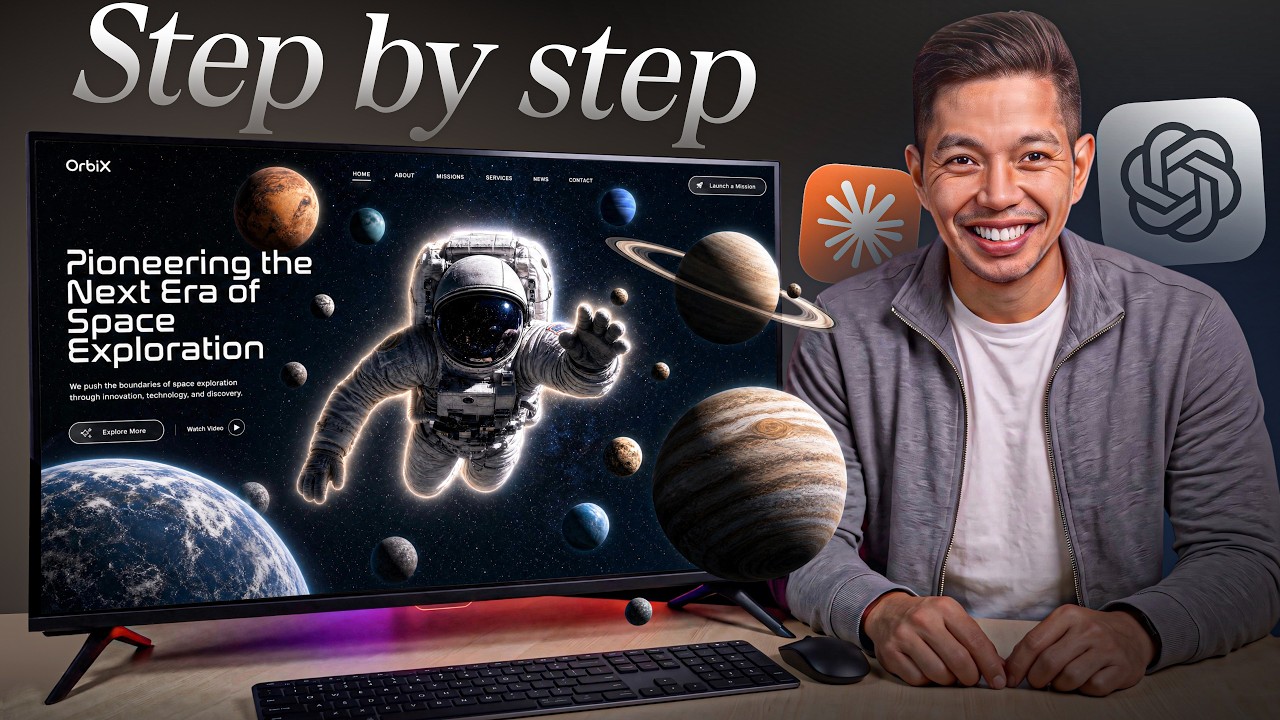
In this video, I show you how to build an AI website that actually looks good with a practical step-by-step workflow. You’ll learn how an AI website builder can help you create a professional website, improve your website design, and turn your ideas into a polished AI website without needing advanced coding skills. Whether you’re a complete beginner or looking to create better websites with AI, this guide will help you design, build, and customize a website faster in 2026.
00:00 – Intro: Why Most AI Websites Look Generic & How to Fix Them
02:14 – Free AI Masterclass: Build Profitable SaaS, Websites & Apps
02:47 – GoDaddy Airo Overview: All-in-One AI Website & Business Platform
04:32 – Understanding the Airo Credit System: Writing Specific Prompts
05:35 – Handling Airo Beta Errors & Auto-Save Recovery Tips
06:18 – Account Setup & Registering or Connecting a Custom Domain
07:28 – Connecting Branded Domains Before Sending Your First Prompt
07:58 – GoDaddy Airo Editor Tour: Chat Panel, Page Navigator & Controls
08:44 – Prompt 1: Scaffolding Mara & Co. (Sydney Interior Design Studio)
10:26 – Reviewing Initial Build Across Home, About, Services & Portfolio
11:21 – Prompt 2: Visual Polish (Full-Width Hero, Serif Fonts & Spacing)
13:48 – Prompt 3: Adding Deep Page Content & Services FAQ Section
15:33 – Expanding About Page: Team Bios & Design Philosophy Quotes
16:08 – Adding Resources & Inspiration Guide: Materials & Style References
18:21 – Prompt 4: Building an Interactive Style Quiz for Lead Qualification
20:37 – Live Testing Style Quiz Logic, Recommendations & Booking CTA
21:26 – Prompt 5: Applying Local SEO Metadata Across All 5 Pages
23:40 – Prompt 6: Mobile Responsiveness Pass & 375px Layout Fixes
25:55 – Final Real-Visitor Walkthrough & Full Site Navigation Check
26:33 – Reviewing Built-in Analytics, SSL Certificate & Privacy Settings
28:39 – Publishing the Website Live on Custom Domain with Global Edge Hosting
29:41 – Live Site Testing: Submitting Contact Forms & Running the Style Quiz
30:24 – Submitting the Sitemap to Google Search Console for Fast Indexing
31:03 – Summary & Best Practices for Building Custom Websites with GoDaddy Airo
📩 For inquiries: Mikey (at) ytmedia.group