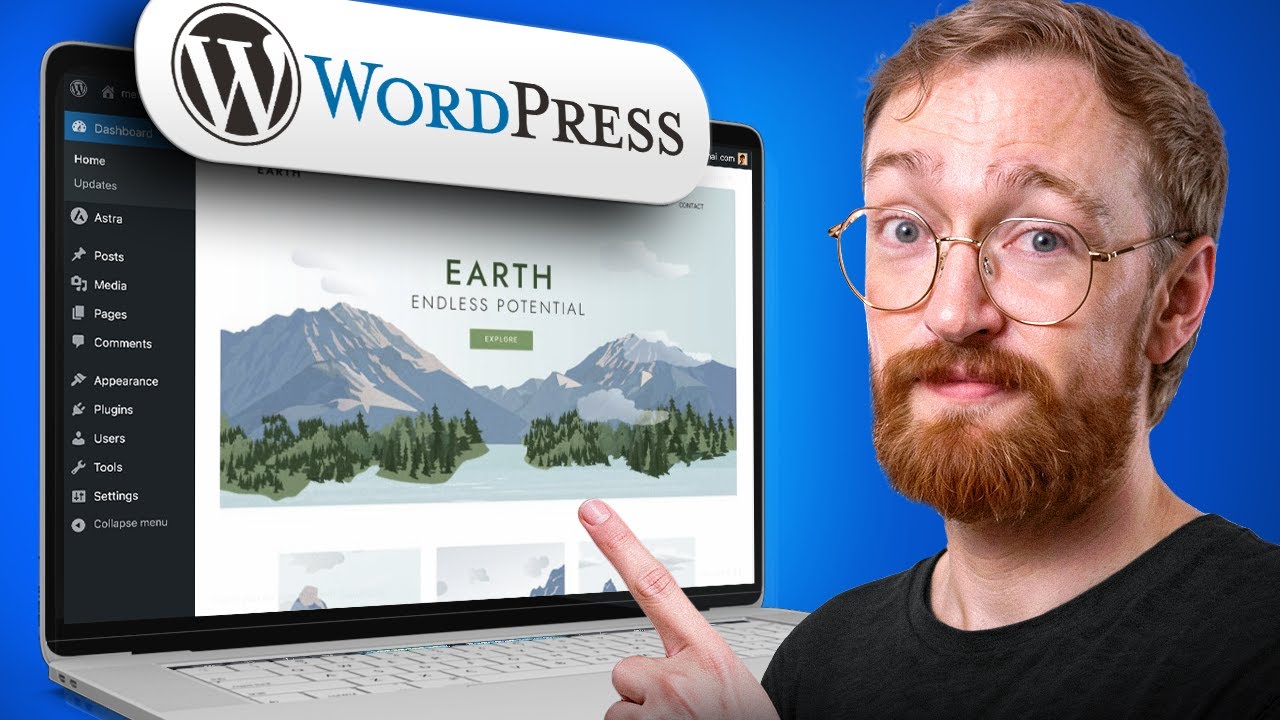
Complete WordPress website design tutorial for beginners! Learn how to design a professional website from scratch using Elementor and free tools. No coding required—everything you need to launch your first WordPress site in 2026.
✅ Hostinger (Exclusive Discount): https://meticsmedia.com/hostinger-DMH
In this step-by-step guide, you’ll build a fully functional, professional WordPress website from start to finish—all without writing a single line of code.
What You’ll Learn:
✔️ Setting up hosting and claiming your free domain
✔️ Installing WordPress and choosing a professional template
✔️ Using Elementor’s visual editor to customize every element
✔️ Editing text, buttons, images, and backgrounds
✔️ Creating multi-column layouts and controlling spacing
✔️ Setting global colors and fonts for consistent branding
✔️ Optimizing your site for mobile devices
✔️ Customizing your header, footer, and navigation menu
✔️ Speeding up your site with caching
🔗 Links Mentioned in Video
Alt-Text Decision Tree: https://www.w3.org/WAI/tutorials/images/decision-tree/
📍 Exclusive Deals & Discounts: https://meticsmedia.com/deals
⏱️ Timestamps
0:00 Intro
0:44 Hosting, Domain & WordPress Setup
6:20 Theme & Template Installation
12:32 Elementor Basics
15:05 Editing Key Elements
25:06 Spacing & Layout Essentials
34:56 Global Styling & Mobile
40:31 Pages, Menus & Header/Footer
51:34 Final Steps to Launch & Conclusion
📄 Disclosure
Some of the links are affiliate links. If you make a purchase through them, we earn a small commission at no extra cost to you. This helps us keep our videos free for everyone.