*Get our Claude Design Guide:* https://clickhubspot.com/isbl
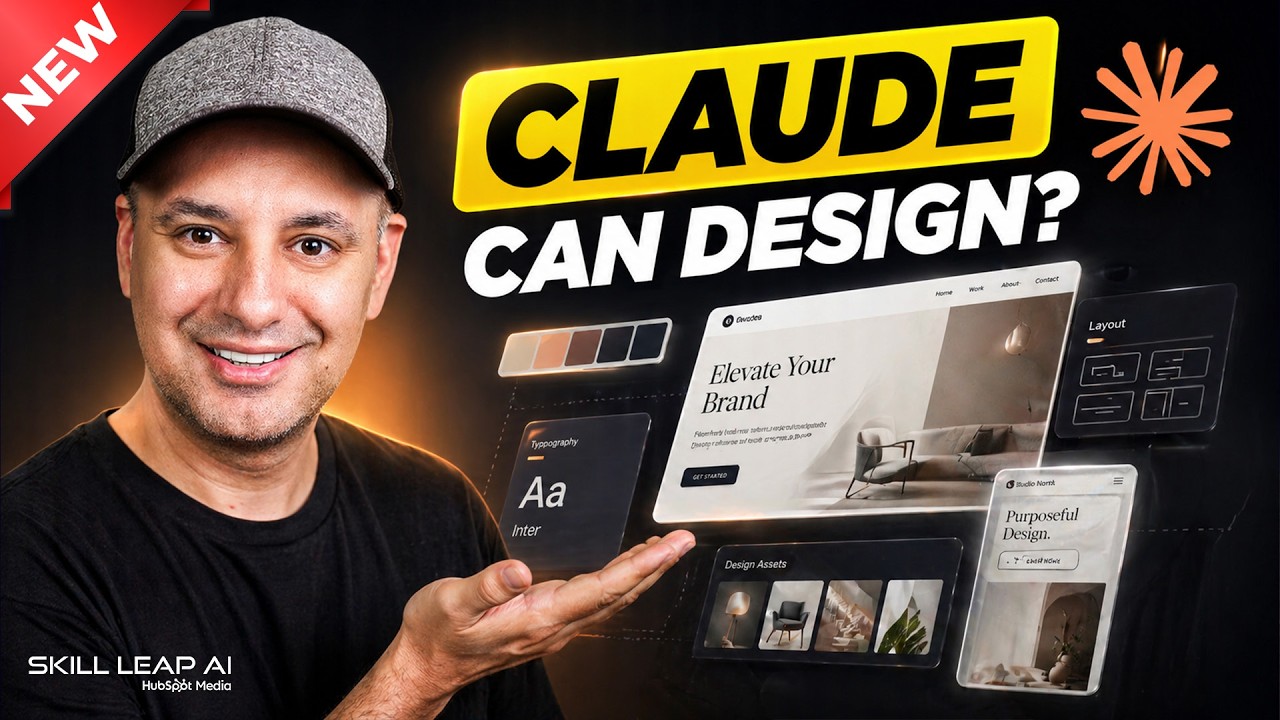
I walk through how I use Claude Design to create websites, mobile apps, dashboards, slide decks, videos, and design systems.
I show how Claude Design works on the web, how to start a new project, and how to give it a simple prompt or a detailed prompt. I also show how to make designs look better with follow-up questions, comments, tweaks, and edits.
I use Claude Design to build a mobile app, an interactive website, a visual dashboard, a pitch deck, and an animated video. Then I show how to make a design system so your Claude Design projects can match your brand, colors, fonts, logo, and style.
I also walk through how to send a finished Claude Design project into Claude Code so it can become a real app or website. I talk about Claude Design credits, the Pro plan, the Max plan, and what to watch for when using design systems.
This is a simple look at how I use Claude Design for AI design, app design, website design, dashboards, presentations, video prototypes, brand design systems, and Claude Code handoff.
👉 Join the fastest-growing AI education platform! Try it free and explore 20+ top-rated courses in AI included Introduction to AI Agents course: https://bit.ly/skill-leap