AI WORKFLOWS & MORE: https://uicollective.co/
Follow me on X: https://x.com/KirkMDesign
Design with AI – Full Guide: https://youtu.be/j_ZPV10bu54
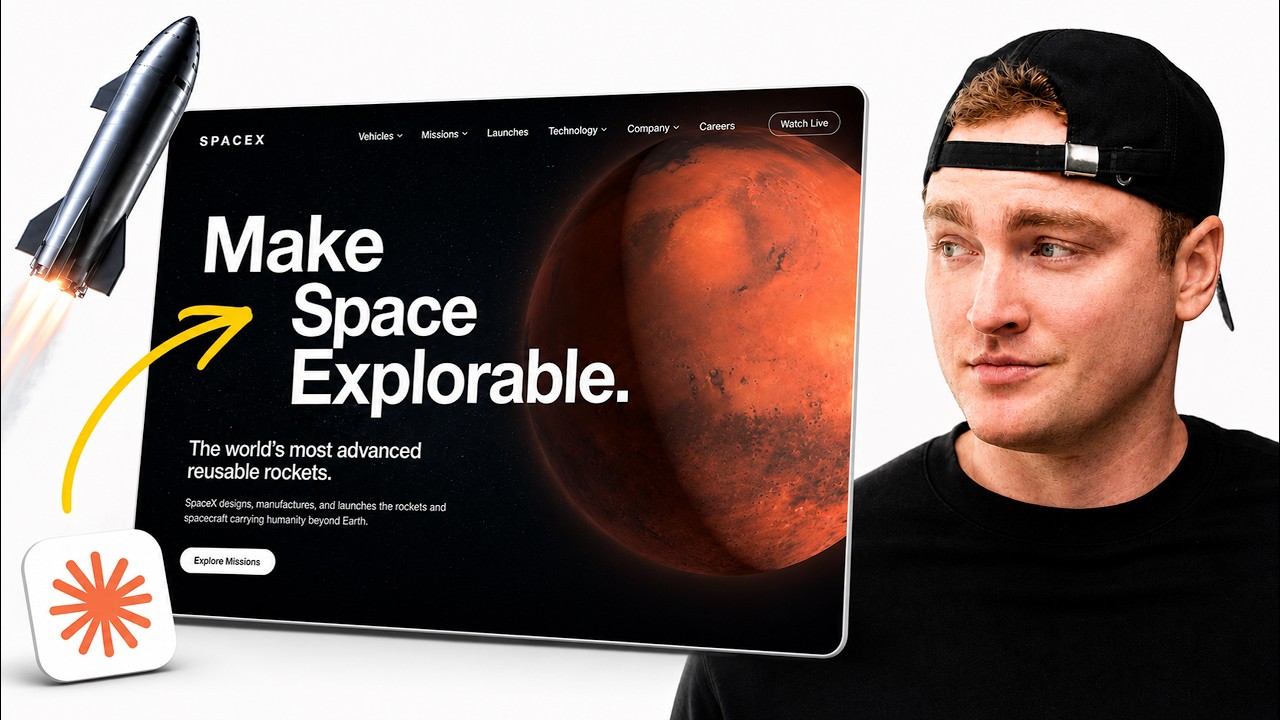
In this tutorial, I’ll show you how to use Claude Code and 3D animation workflows to build polished, high-end websites fast. We’ll go from idea to interactive web experience, using AI to speed up the process without sacrificing visual quality.
Need a design system? (also included in the academy): https://collectivekit.co/
Why Join UI Collective Academy? Get access to premium courses, premium downloads, and so much more on the way (I am largely building this solo…trying to make design education available for all, support goes a long way!)
🔗 OTHER SYSTEM VIDEOS TO WATCH
Build a Design System: https://youtu.be/opTANvl9G1g
Complex Design System & Figma Variable Setup: https://youtu.be/L-tpK7Eeuow
Claude Design Video: https://youtu.be/eXlSgQmz02E
🔗 MORE LINKS
Let us build or fix your design system: https://designsystemlabs.co/
📣 Save 20% on the Annual Mobbin plan: http://mobbin.com/uicollective
Claude Design: https://claude.ai/design
Higgsfield: https://higgsfield.ai/
kirkland@uicollective.co
0:00 An Introduction
0:39 Quick Tips
1:18 Finding Design Inspiration
2:10 Using Claude Design
3:12 Exporting to Claude Code
3:58 Higgsfield AI MCP Connection
4:38 Adding Interactive Elements
6:59 Polishing the Hero & 3D Elements
8:44 Adding Load Animations
11:30 Adding Additional Interactivity
12:48 Reviewing Output
13:28 Deploying onto Vercel
14:53 Outro