🔥 Firecrawl: https://bit.ly/4aHCD8A
📈 ALL Systems: https://bit.ly/4kol0y5
🎙️ Glaido: https://bit.ly/4eGoI3R
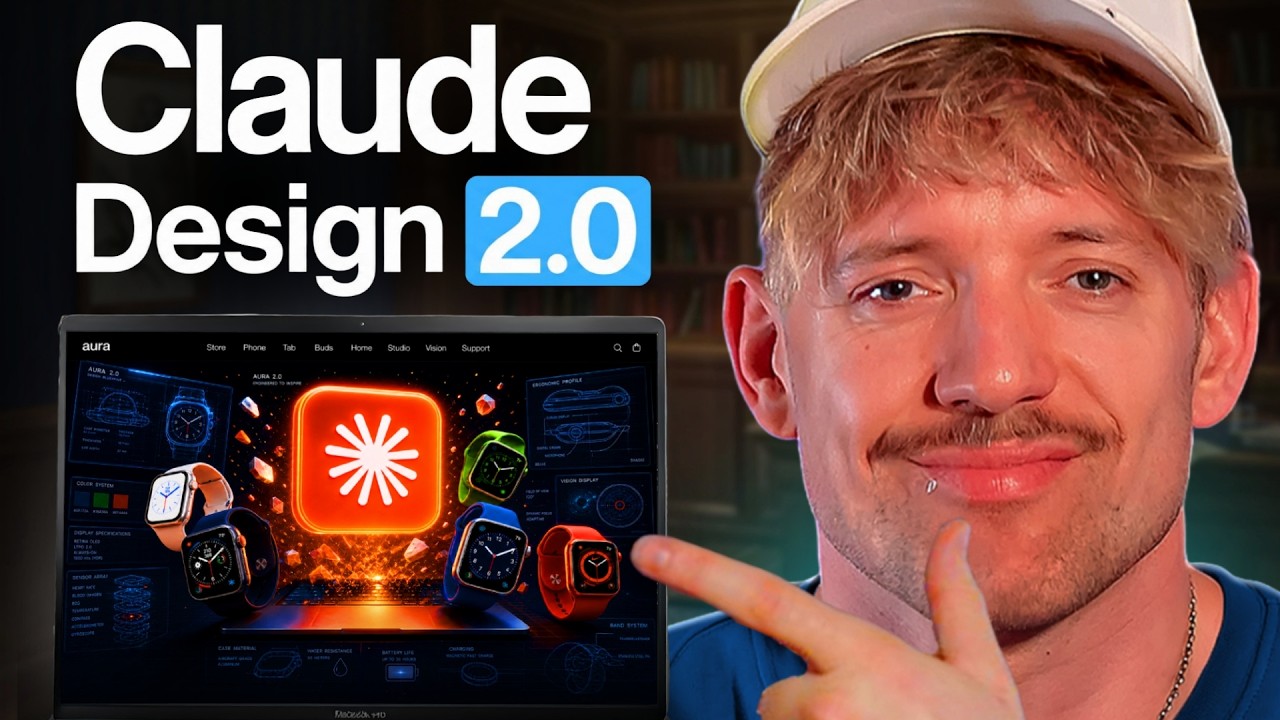
Claude Design 2.0 just dropped, and the credits actually go further now, which was the biggest reason people steered clear. In this one I walk through five levels of using it, from building slides and animations in your own brand to pulling brand identities straight off a website with Firecrawl. We also push designs back into Claude Code, handle the export to PowerPoint and PDF, and look at running it all locally with Open Design so you’re never locked into one model. There’s a proper limitation to be aware of with the handover, so I show you the zip workaround that genuinely fixes it. By the end you’ll know how to own the whole stack and keep building even when you hit your limits.
*Core Software*
🩵 Free Resources: https://bit.ly/3RNNDLa
🔥 Glaido: https://bit.ly/4eGoI3R
☁️ Claude: https://claude.ai/
🔥 Firecrawl: https://firecrawl.dev/
📁 GitHub: https://github.com/
💬 ChatGPT: https://chatgpt.com/
⌚️ Stamps:
00:00 – Claude Design 2.0 Explained
00:33 – The Five Levels
00:46 – What Claude Design Actually Is
01:07 – Four Big Changes
01:32 – Level One: The Interface
02:41 – Level Two: Building Together
02:58 – Slides From A GitHub Repo
04:42 – Editing Right On The Canvas
06:11 – Using Your Built In Connectors
06:58 – Firecrawl For Brand Identity
08:18 – Design Versus Claude Code
09:16 – Level Four: Back To Code
10:45 – The Zip Handover Fix
11:40 – Level Five: Own The Stack
12:02 – Running Open Design Locally
13:17 – Picking Any Model
14:24 – GLM At One Sixth The Cost
14:38 – Where To Go From Here
How to use Claude Design 2.0 to build slides, websites and animations in your own brand, scrape brand identity with Firecrawl, hand designs over to Claude Code, export to PowerPoint, and run it all locally with Open Design and Codex.
#ClaudeDesign #ClaudeCode #Firecrawl #AIDesign #OpenDesign #AIWorkflow