Get 10% Off Hostinger Hosting: https://www.hostinger.com/darrel10 (Code Darrel10)
Evernote Prompt: https://share.evernote.com/note/9a58f67b-83b0-72a8-971b-a4c095b56b51
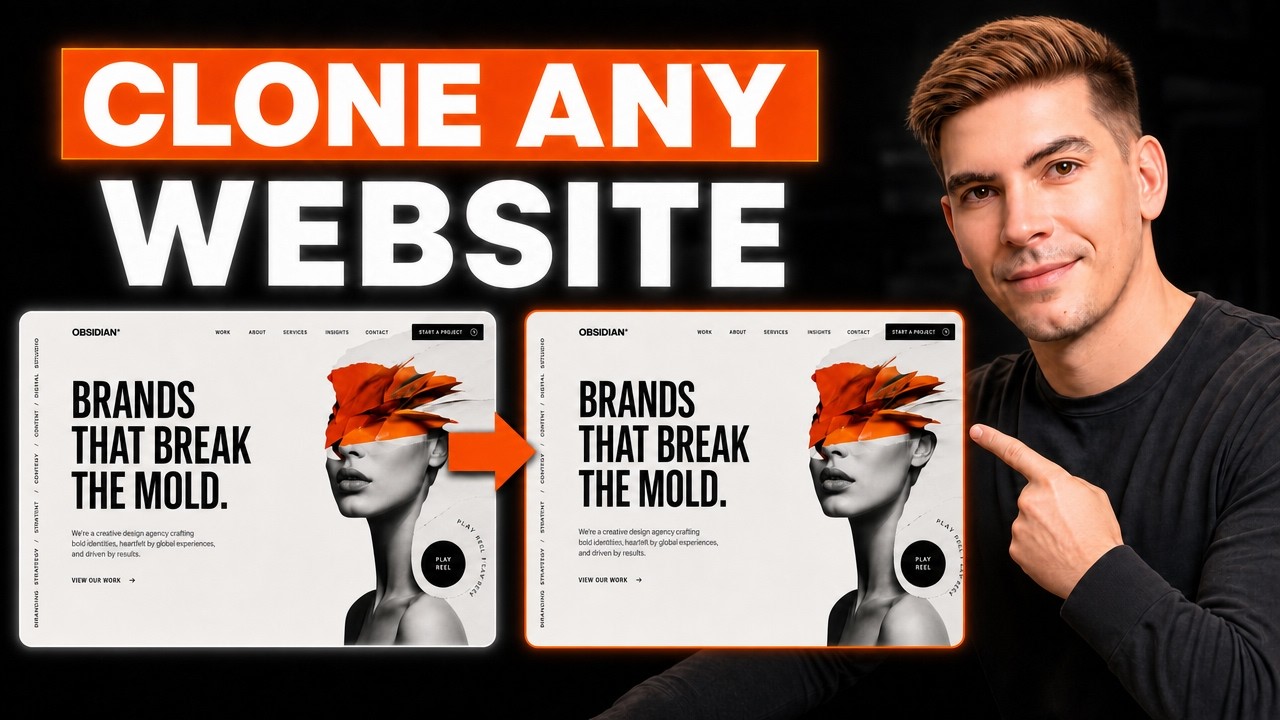
Learn how to clone a website using Claude AI and ChatGPT SOL in this complete step-by-step tutorial. I’ll show you how to analyze an existing website, recreate its layout and visual style, generate replacement images, add animations, and publish the finished website on a live domain.
We’ll use ChatGPT SOL to help recreate the website design, generate visual assets, and prepare detailed instructions. Then, we’ll use Claude to turn everything into a functional website without building the entire project manually.
In this tutorial, you’ll learn how to:
• Analyze a website’s layout, typography, colors, and sections
• Turn a website screenshot into a detailed AI prompt
• Generate high-quality replacement images with ChatGPT
• Recreate a website using Claude AI
• Add animations and interactive website effects
• Make the website responsive on mobile devices
• Fix common AI-generated website mistakes
• Upload the finished website to a live domain
This method is useful for web designers, developers, freelancers, WordPress users, and beginners who want to build professional AI websites faster.
Timestamps
00:00 Intro
00:35 Method 1
03:10 Deploy Wesbite
04:34 Method 2
09:29 Method 3
12:48 Outro
Important: Use this process to recreate layouts for inspiration or rebuild websites you own. Do not copy protected branding, text, images, code, or other copyrighted materials without permission.
Subscribe for more tutorials about Claude AI, ChatGPT SOL, AI website builders, WordPress, web design, and creating websites with artificial intelligence.
#ClaudeAI #ChatGPTSOL #AIWebsiteBuilder