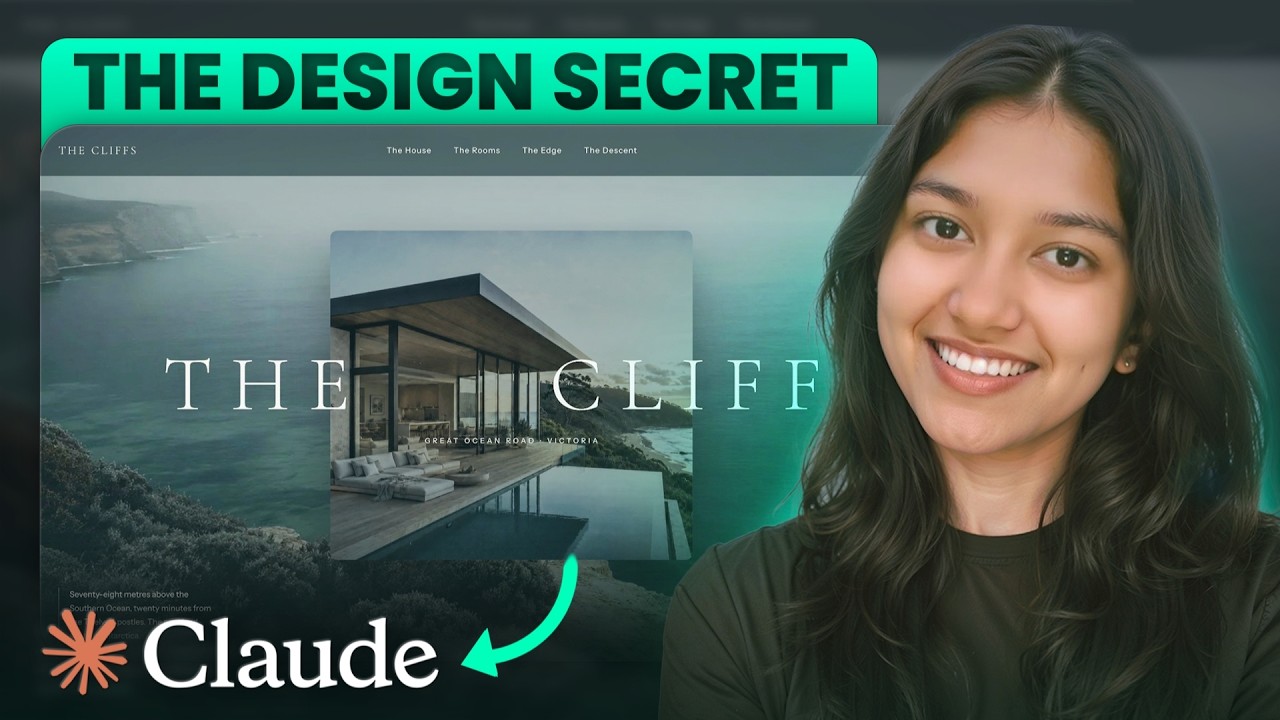
Most AI-generated websites look exactly the same. Purple gradients, the Inter font, and that unmistakable “AI slop” feel.
In this video, I reveal the exact 8-step process I use to take that awful first draft all the way to an insanely beautiful, premium-looking website using Claude Code.
No design experience needed. No writing code yourself.
By the end, you’ll know how to build a website that actually looks good and feels premium.
—
🏷️ HOST YOUR WEBSITE WITH HOSTINGER
✅ Get your hosting + free domain: https://www.hostg.xyz/SHJll
✅ Use code YASHICA20 for a flat 20% off (applies to 12, 24 & 48-month plans)
✅ Monsoon Sale is live till 17th August with up to 83% off
—
🔗 RESOURCES MENTIONED
▸ Front-end design skills (GitHub):
https://github.com/wilwaldon/Claude-Code-Frontend-Design-Toolkit
▸ Dribbble (design inspiration):
https://dribbble.com
▸ Awwwards (design inspiration):
https://www.awwwards.com
▸ 21st.dev (motion components):
https://21st.dev/?ref=yashica
▸ The Audit Prompt:
https://yashica.gumroad.com/l/audit-prompt-claude-code
—
🚀 Work With Me:
✅ Get Custom AI Automation Systems Built
We help businesses implement AI agents, voice agents, workflow automation, and productivity systems.
Work with us: https://www.automatezai.com/
📞 Need Technical Guidance or Architecture Help?
Book a 1:1 consulting session for automation strategy, agent design, or implementation support:
Book a call: https://calendly.com/automatezai/paid-ai-consultation-or-coaching-1-hour
🤝 Partnerships & Paid Collaborations
For sponsorships, integrations, and collaborations:
yashica@automatezai.com
—
😇 About me:
Hi, I’m Yashica — an AI automation proclaimed nerd building AI solutions for businesses, advising 1:1, and sharing practical builds on YouTube.
💁🏼♀️ Connect with me:
LinkedIn → https://www.linkedin.com/in/yashicajain9/
X → https://x.com/yashicajain_
—
If this video helps, let me know in the comments 👇
#ClaudeCode #AICoding #WebDesign #VibeCoding #NoCode
⏱ Timestamps:
00:00 The 8-step premium website process
00:55 What makes a website feel premium
03:15 Set up Claude Code in VS Code
06:04 Kill AI slop with design skills
11:01 Plan the website in plan mode
14:35 Feed Claude design inspiration
17:37 The first rough AI draft
18:14 Build in pieces: the hero
20:47 Add motion to the hero
23:35 Batch image generation with Codex
26:33 Motion and rhythm across sections
30:42 Sticky scroll rooms effect
32:48 Typing effect and final touches
34:15 Make the site responsive
35:53 Self-audit and scoring
38:00 Deployment: domain and hosting
41:14 Connect Hostinger to Claude Code
42:58 Website goes live