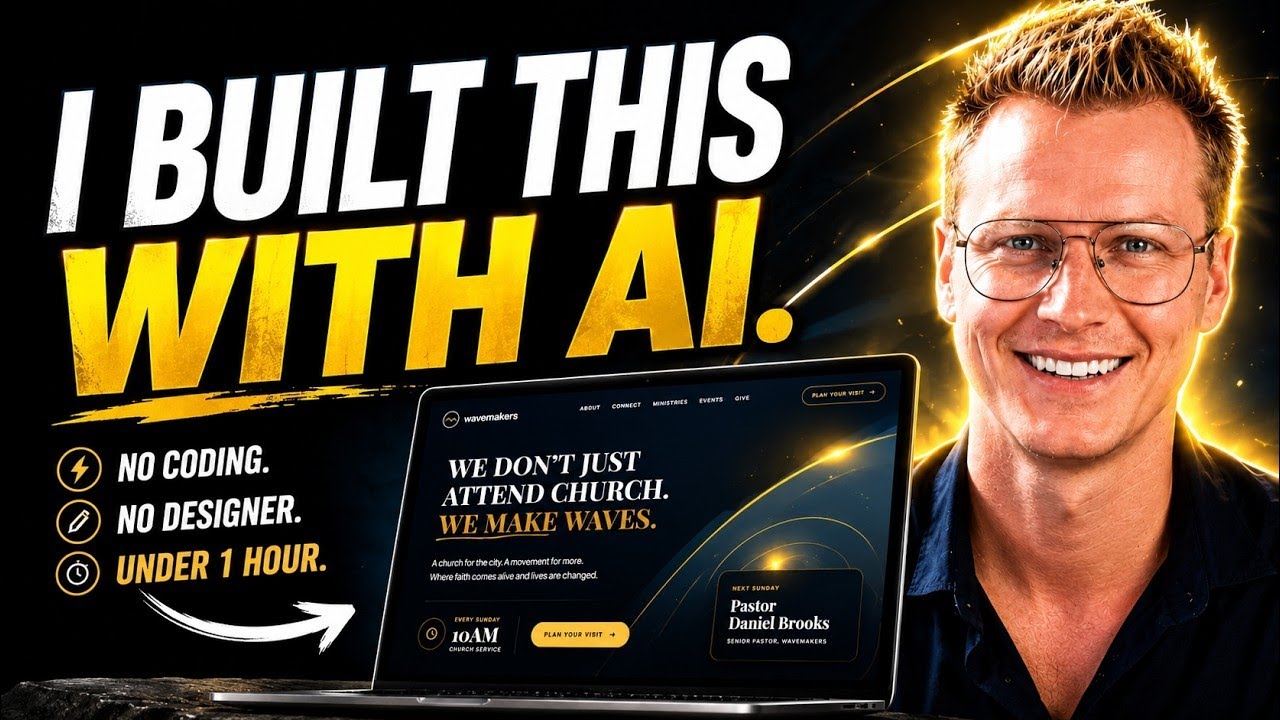
Want to create a beautiful, professional website without hiring a designer or writing code? In this step-by-step tutorial, I’ll show you how to use Claude Design AI to build an award-winning website from scratch.
🚀 Get 10% off your webhosting plan +: a free domain: https://ferdy.com/webhosting
Use coupon code FERDY at checkout.
You’ll learn how to:
✅ Create a stunning AI-generated website
✅ Build a complete design system
✅ Make your site mobile-friendly and SEO-ready
✅ Export your website to Hostinger
✅ Get a FREE domain name
✅ Create a professional email address
✅ Make contact forms actually work with PHP & SMTP
✅ Connect Google Analytics
✅ Optimize your website for maximum speed
✅ Launch your website live on the internet
By the end of this tutorial, you’ll have your own website online and ready for visitors.
🌐 Get Hosting & Free Domain: https://ferdy.com/webhosting
🎨 Learn More About Claude Design: https://ferdy.com/cloud
🎬 Higgsfield Tutorial: https://ferdy.com/higgsfield
👍 If this tutorial helps you, please like the video and subscribe for more AI and web design tutorials!
Timestamps:
00:00 Intro
00:00:29 Create An Account At Claude
00:02:28 Create A Design System
00:06:00 Create Your Website With A Prompt
00:11:40 Connect Claude With Higgsfield
00:13:10 Adjust Your Website
00:17:47 How To Make Your Contact Form Work
00:19:01 Reduce The Size Of Your Website
00:20:49 Publish Your Website On A Free Domain
00:25:15 Create An Email Account
#claudeai #claudedesign #aiwebsitebuilder